You Don't Need After Effects Templates to Make a CD Release Video
Your artwork printed on a spinning CD that drops into frame, with OUT NOW landing on the beat.
A spinning CD is one of the most requested looks for album and single promos, and the usual route is a CD mockup project for After Effects. You download it, find the smart object or precomp that holds the disc art, paste your cover in, fix the reflections, then set up the audio and render.
The disc itself is the easy part to describe: your cover on a CD, turning, with the release text on top. Building it in After Effects means dealing with a 3D layer or a pre-rendered rotation, masks for the center hole and keyframes for every entrance.
With the CD Drop look in visuale, you skip all of that. Upload the cover and it is printed onto the disc for you. The CD drops in from above and keeps spinning, the background pulses on the kick of your track, and OUT NOW slams onto the screen.
No After Effects, no plugins, no download.
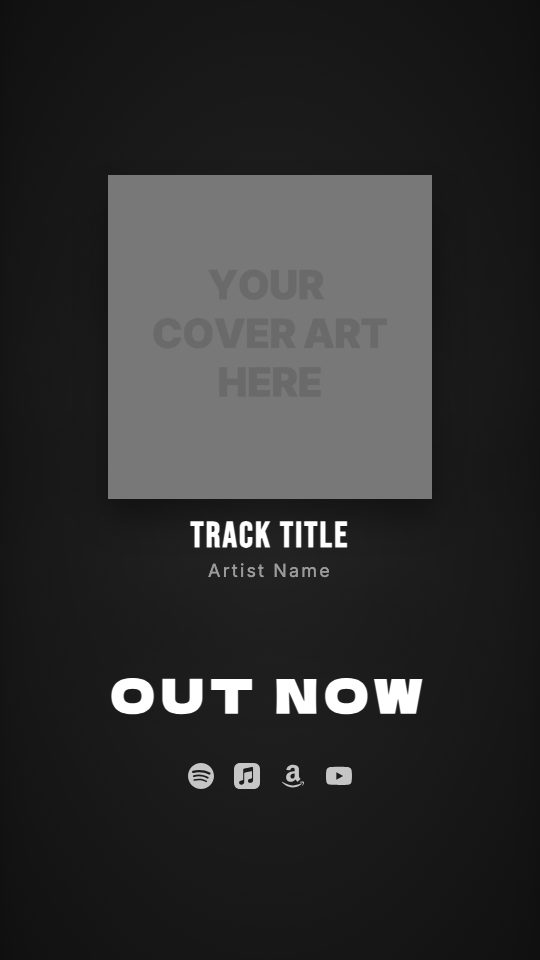
After Effects template vs visuale
| After Effects template | visuale | |
|---|---|---|
| Getting the disc art | Replace the art inside a mockup precomp | Upload your cover, it lands on the CD |
| Spinning motion | Keyframe rotation or rely on the template | The CD spins on its own |
| Syncing to the music | Mark beats by hand on the timeline | Background pulses on detected kicks |
| Software | After Effects plus any plugins the pack needs | A web browser |
| Rendering | Render queue on your own machine | Cloud render, then download the MP4 |
| Format | Depends on the template you bought | Vertical 1080 × 1920, 15 seconds |
What the CD Release Video looks like
Cover printed on a CD
Your artwork is applied to the face of a compact disc, center hole included, instead of being shown as a flat square.
Drop-in entrance
The disc falls into frame from the top and settles in the center, then keeps turning for the rest of the clip.
OUT NOW that stomps
The headline slams in from oversized with motion blur and a short shake, like it hits the screen at the drop.
Background on the kick
The blurred cover behind the CD pulses each time a kick drum hits in your audio, so the video moves with the song.
At a glance
- Format
- 9:16 · 1080 × 1920 px
- Best for
- Stories, Reels, TikTok
- Length
- 15 seconds
- Also available in
- Vertical only
- You need
- Cover art + audio (MP3, WAV, M4A or AAC)
- Software
- Your browser. No After Effects, no plugins
How to make a CD Release Video without After Effects
- 1
Open the CD Drop look
Use the button on this page. The guided editor opens with the CD mode, the drop entrance, the stomp headline and the beat background already set.
- 2
Upload the cover
Add your square artwork. The preview shows it on the disc right away, so you can check that the center of the design is not hidden by the hole.
- 3
Pick the part of the track with the drop
Upload your audio and move the 15-second window so the drop lines up with the marker where OUT NOW stomps in.
- 4
Export the vertical video
Choose your streaming icons and export. The cloud render gives you a 1080 × 1920 MP4 to post on Reels, TikTok or Shorts.
When to use it
Physical CD launches
Announce a limited CD run or a merch-table release with a video that shows the music on an actual disc.
Hip-hop and club singles
The stomp and the kick-driven background suit tracks with a hard drop, where the hit should land on screen too.
Y2K-style rollouts
A CD on screen fits releases that lean on early-2000s visuals, without building a mockup yourself.
FAQ
Is there a free CD After Effects template?
There are free CD mockups for After Effects, but they still need the software, a subscription and time to set up. In visuale the CD look is built in and runs in your browser.
Will my square cover fit on the CD?
Yes. The cover is mapped onto the round disc, so the corners are cropped and the very center sits under the hole. Keep key text away from the middle.
Can I customise the CD Drop look?
Yes. You can switch to a plain cover or a vinyl, pick a different entrance or headline animation, change fonts and turn the beat background off.
How does the background follow the beat?
The track is analyzed for kick drums, and the background scales up briefly on each hit. Tracks with a clear kick give the strongest effect.
What format and length is the export?
A vertical 9:16 MP4 at 1080 × 1920, 30 fps, 15 seconds long. You choose which 15 seconds of the song it uses.
Skip the template download
Drop your cover, add your track and export your CD Release Video in about two minutes.
Make your CD Release Video