You Don't Need After Effects Templates to Make a Song Progress Bar Video
Just your cover, two lines of text and a bar that fills from start to end of the track, in a square frame.
A progress bar sounds like the simplest thing to animate, yet the After Effects versions people download often ship with a whole fake phone interface, buttons you have to hide and a bar you must retime by hand whenever the song length changes. Get the duration wrong and the bar finishes early or never reaches the end.
The Minimal Progress look in visuale strips it back. The bar is tied to your audio, so it always starts at zero and ends exactly when the song does, with an elapsed and total time counter beneath it. Around it there is only your cover, with a soft shadow, and the track and artist names in light, clean type.
No After Effects, no plugins, no download.
After Effects template vs visuale
| After Effects template | visuale | |
|---|---|---|
| Timing the bar | Retime keyframes to match each song length | Fills in sync with your audio automatically |
| Time counter | Write an expression or animate text manually | Elapsed and total time shown for you |
| Square format | Rebuild the layout in a 1080×1080 comp | 1:1 at 1080×1080 by default |
| Cost | Adobe subscription, sometimes a paid template | No Adobe subscription needed |
| Swapping the track | Replace audio, retime, re-render locally | Upload the new file and export |
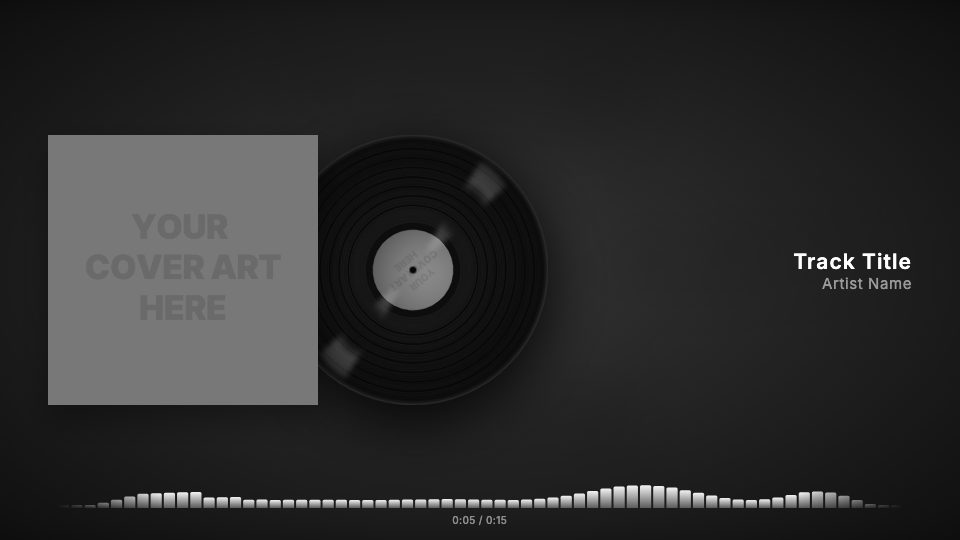
What the Song Progress Bar Video looks like
Progress bar instead of bars
A single line along the bottom fills from left to right over the length of the song, like a streaming app.
Elapsed and total time
A counter under the bar shows how far into the track you are and how long it is.
Cover with a soft shadow
The artwork sits at the top of the frame with a gentle drop shadow that lifts it off the blurred background.
Light Inter typography
The artist name is set in a light weight and the track title in medium, which keeps the frame calm.
Square 1:1 frame
Sized at 1080×1080 so it works in the Instagram feed and other places that crop to a square.
At a glance
- Format
- 16:9 · 1920 × 1080 px
- Best for
- YouTube
- Length
- Follows your track
- Also available in
- 9:16, 4:5, 1:1
- You need
- Cover art + audio (MP3, WAV, M4A or AAC)
- Software
- Your browser. No After Effects, no plugins
How to make a Song Progress Bar Video without After Effects
- 1
Choose Minimal Progress
The editor opens in square format with the progress bar and light typography in place.
- 2
Add your cover and song
Upload the artwork and an MP3, WAV, M4A or AAC file.
- 3
Write the title and artist
Type both names. Pick a different bar color if you want it to match the artwork.
- 4
Render
Export in the cloud and download the MP4 when it is done.
When to use it
Singer-songwriter and acoustic releases
Quiet music often looks wrong with jumping bars; a progress bar stays out of the way.
Feed posts that look like a now-playing screen
A familiar player layout tells people at once that this is a song to listen to.
Podcast-style song breakdowns
When you talk over or about a track, the bar shows listeners where they are.
FAQ
Is there a free music progress bar After Effects template?
There are free ones, but you still need After Effects and have to retime the bar to each song. visuale ties the bar to your audio, in the browser.
Can I customise the progress bar?
You can change its color, or switch to bars, mirror, wave or dots if you want something more animated.
Is it only square?
No. Square 1:1 (1080×1080) is the default for this look, but you can switch to 4:5 (1080×1350) or 16:9 (1920×1080).
Will the bar match the length of my song?
Yes. The video runs for the length of your audio, up to five minutes, and the bar reaches the end with the track.
Can I change the fonts?
Yes. Font, size, weight and letter spacing can be set separately for the track title and the artist name.
Skip the template download
Drop your cover, add your track and export your Song Progress Bar Video in about two minutes.
Make your Song Progress Bar Video